
- Getting Started
- 12 min read
- By George Burchell
- View publications on PubMed
- ORCID
Quick Start Guide: SystematicReviewTools.app Workflow From Protocol to Manuscript
From research question to manuscript: a defensible path through the platform
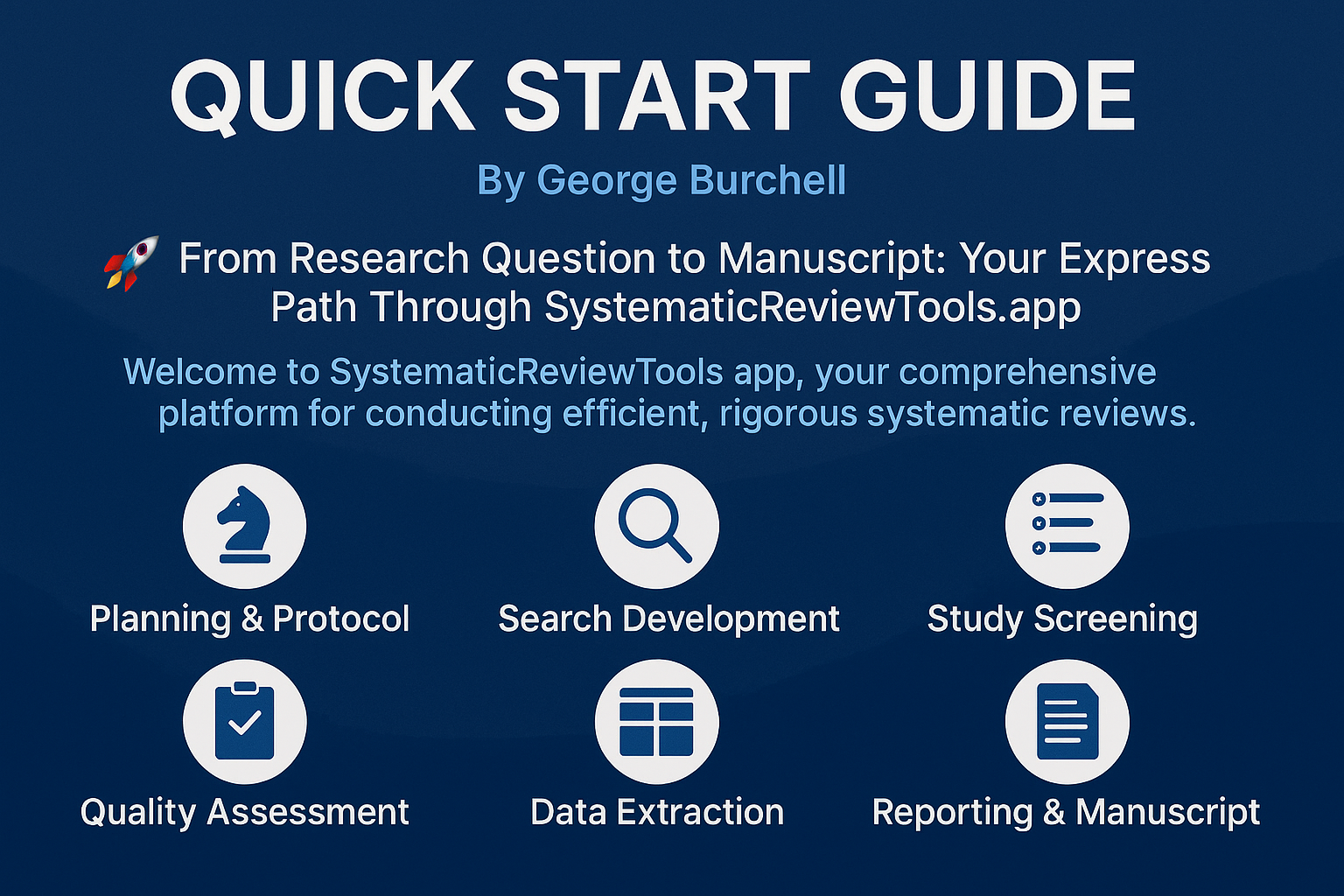
This guide is written for review leads and core reviewers who already know why they are running a systematic review, but want a single coherent map of how SystematicReviewTools.app supports each stage. Unlike a generic product tour, it calls out order-of-operations traps (for example, deduplicating before you lock identification counts, or reconciling screening before you extract) and points to deeper methodology articles where judgment still sits with your team.
If a term is unfamiliar, keep the Glossary of SLR terminology open in another tab.
Welcome to SystematicReviewTools.app—use this page as your checklist-backed workflow, then branch into specialist posts when a step needs methodological depth.
Before you click anything: Freeze your inclusion and exclusion criteria, align your protocol with PRISMA-style reporting expectations, and consider PROSPERO or equivalent registration. Changing eligibility rules after imports is the fastest way to invalidate screening logs.
Pro tip: Frame your question with a structured framework (PICO, PECO, SPIDER, etc.); our Introduction to Systematic Reviews and Systematic Review Best Practices expand the “why” behind each stage below.
📋 Prerequisites: The Foundation of Your Review
Every successful systematic review starts with solid groundwork:
- Research Question: Formulate a specific, answerable question using frameworks like PICO or SPIDER
- Inclusion/Exclusion Criteria: Define clear parameters for study selection
- Review Protocol: Consider registering your protocol before proceeding
If you need help with these foundational elements, our Introduction to Systematic Reviews provides comprehensive guidance.
🔐 Getting Started: Account Setup
- Create Your Account: Sign up using Google, GitHub, or email authentication
- Verify Email: Confirm your account through the verification link
- Complete Profile: Add your research interests and team information
- Create a Project: Name your review project and select the review type
Saving your work (honest version)
- Manuscript Outline and PRISMA Flowchart autosave drafts in your browser (per signed‑in user) using local storage. There is no cloud autosave of these drafts yet—export regularly if you need version history.
🧰 Essential Tools in Your Systematic Review Arsenal
SystematicReviewTools.app offers specialized tools designed to streamline your systematic review workflow:
1️⃣ Planning & Protocol Development
- Protocol Builder: Create structured review protocols aligned with PRISMA guidelines
- PRISMA Checklist: Plan and structure reporting against PRISMA items
- Research Gap Finder: Classify evidence and surface candidate research gaps
Learn more in our detailed guide to Writing Review Protocols.
2️⃣ Search Strategy Development
- Search Strategy Builder: Construct complex Boolean search strings with our intuitive visual interface
- Search Translator: Automatically adapt your search strategies across different databases (PubMed, Scopus, Web of Science, etc.)
- Search Block Library: Access a curated collection of pre-built search blocks for common topics and methodologies
- PRISMA Flowchart Generator: Record identification/screening counts and export a PRISMA 2020 diagram
For advanced search techniques, see our guide on Automating Literature Searches and Grey Literature Searching.
3️⃣ Study Management & Screening
- Deduplication Tool: Automatically identify and remove duplicate records from multiple database searches
- Screening Tool: Streamline your systematic review screening process with our intuitive interface for efficient study selection and categorization
Discover efficient screening approaches in our Screening Strategies post.
4️⃣ Data Extraction & Evidence Tables
- Evidence Table Tool (dashboard): Compile extracted fields into structured, filterable tables inside your SystematicReviewTools.app project.
For teams that want a standalone SaaS dedicated to evidence-table design, exports, and extraction logic, the companion product Evidence Table Builder pairs well with the workflow below—especially when table schemas outgrow a single review workspace or you need client-ready supplementary layouts.
Explore our guide on Data Extraction Techniques for field definitions, double-data-entry habits, and how extraction errors propagate into synthesis.
5️⃣ Quality Assessment & Analysis
- Quality Assessment Tools: Evaluate the methodological quality and risk of bias in your included studies with standardized assessment instruments
- Data Analysis Suite: Analyze extracted data with statistical tools, generate visualizations, and prepare for synthesis
Learn more about evaluation methods in our Quality Assessment and Heterogeneity Assessment guides.
6️⃣ Manuscript Preparation
- Manuscript Outline Generator: Create a structured skeleton for your systematic review paper that follows reporting guidelines.
Check our PRISMA Reporting Guidelines for comprehensive reporting standards.
🔄 Workflow Example: Using Our Core Tools
Here's how to use our tools in a typical systematic review workflow:
Step 1: Build Your Search Strategy
- Navigate to the Search Strategy Builder from your project dashboard
- Create search blocks for different concepts in your research question
- Combine blocks using Boolean operators (AND, OR, NOT)
- Preview and refine your search string for optimal results
Step 2: Translate Across Databases
- Open your completed search in the Search Translator
- Select target databases (PubMed, Embase, Web of Science, etc.)
- Review the automatically translated syntax for each database
- Make any necessary adjustments for database-specific features
- Export the translated searches for execution
Step 3: Enhance with Search Block Library
- Access the Search Block Library from the search builder interface
- Browse categories relevant to your review topic
- Import pre-validated search blocks into your strategy
- Customize imported blocks to match your specific needs
- Save your customized blocks for future reviews
Step 4: Manage Search Results
- Execute your searches in each database
- Download the results in compatible formats (.RIS, .CSV, etc.)
- Upload all search results to the Deduplication Tool
- Run the deduplication process to identify overlapping records
- Review the deduplication report and confirm merged records
- Export your deduplicated dataset for screening
Step 5: Screen Studies
- Import your deduplicated results into the Screening Tool
- Apply your inclusion/exclusion criteria to each study
- Use keyboard shortcuts for faster screening
- Track your progress with the built-in dashboard
- Export your included studies for data extraction
Step 6: Build Evidence Tables
- Extract consistent data points from each included study
- Generate comprehensive Evidence Tables from your extracted data
- Review and refine the evidence tables for completeness
Step 7: Assess Quality & Analyze Results
- Use the Quality Assessment Tools to evaluate study quality
- Assign risk of bias ratings to each included study
- Import your evidence tables into the Data Analysis Suite
- Generate visualizations and conduct statistical analyses as appropriate
- Interpret patterns and relationships in your synthesized data
Step 8: Draft Your Manuscript
- Generate a structured outline with the Manuscript Outline Generator
- Create your PRISMA flow diagram with the PRISMA Flowchart Generator
- Fill in each section of your manuscript following the generated outline
- Incorporate evidence tables, quality assessments, and analysis results
- Review your completed manuscript against reporting guidelines
📚 Learning Resources
To go deeper than this route map:
- Platform Overview: Feature tour across the suite
- Systematic Review Best Practices: Method decisions that survive peer review
- Citation Management: RIS hygiene, versions, and handoffs into deduplication
- Quality Assessment: Risk-of-bias tools, GRADE alignment, and AI limits
- Meta-Analysis Guide: When quantitative pooling is—and is not—appropriate
🎯 Next Steps
Create your account and run one pilot pass on a slice of references (for example fifty records) through deduplication → screening → extraction before you scale to your full retrieval set. That pilot surfaces template fixes early, when they are still cheap to correct.
For dedicated evidence-table infrastructure outside this platform, open Evidence Table Builder and mirror the same study IDs and version notes you use here so external auditors can follow one thread end to end.

About the Author
Connect on LinkedInGeorge Burchell
George Burchell is a specialist in systematic literature reviews and scientific evidence synthesis with significant expertise in integrating advanced AI technologies and automation tools into the research process. With over four years of consulting and practical experience, he has developed and led multiple projects focused on accelerating and refining the workflow for systematic reviews within medical and scientific research.